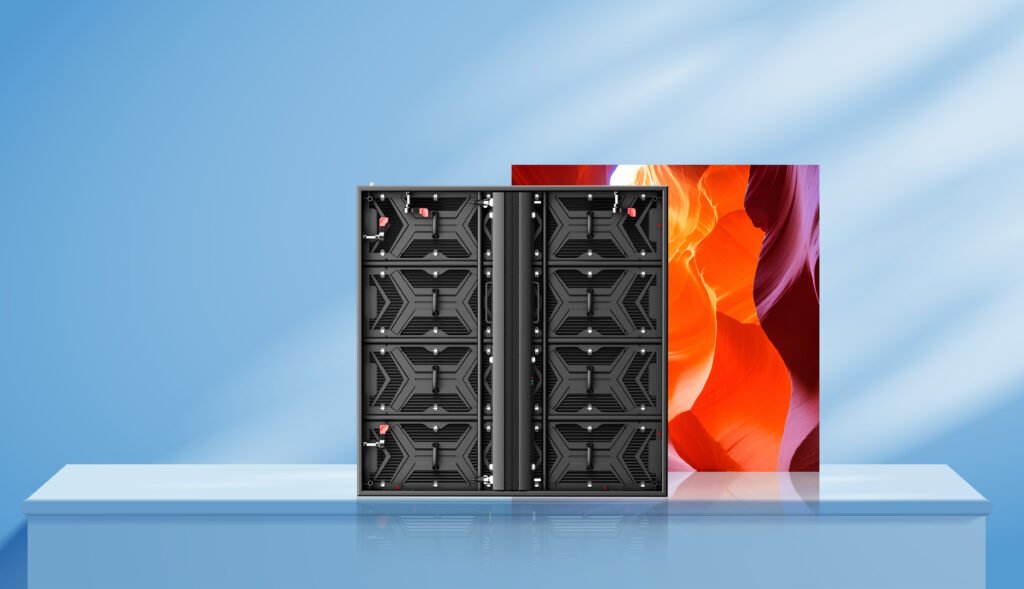
Start with the content and the nearest viewer.
Pixel pitch is the center-to-center distance between adjacent pixels, expressed in millimeters. A smaller pitch places more pixels within the same area. It does not tell you whether your intended text, image or camera setup will work on its own. Begin with the closest viewer and the smallest detail that needs to be recognizable.
Work out the resolution, not just the screen size.
Approximate horizontal resolution is active screen width in millimeters divided by pixel pitch in millimeters. Height uses the same calculation. Actual resolution must follow the exact module and cabinet pixel counts. Nominal marketing pitch values are often rounded; use the supplier’s exact pixel grid for controller loading and content design.
Let the cabinet grid guide the final dimensions.
A requested 16 × 10 ft screen may not match a modular cabinet grid exactly. Compare the nearest practical cabinet layouts before confirming dimensions. For every option, record the active dimensions, total pixel count and aspect ratio. This makes a comparison between pitches much more useful than comparing price per square meter alone.
Ask for a relevant evaluation.
For close viewing, review text and typical content at the intended viewing distance. For camera use, test the intended frame rate, shutter settings, processor and brightness together. A high refresh-rate specification alone does not guarantee a camera-ready result. Confirm the complete selected configuration in writing.